


Your Business Logo on Your T-shirt | Customised Iron-on Patch
Your Business Logo on Your T-shirt | Customised Iron-on Patch
 Hide any stain in 60 seconds
 DIY your clothes and make them cooler
 Stays atleast 25–30 washes


Customise your patch
Shown to scale on an adult M T-shirt. Placement is for reference only, you can apply it anywhere you like.
1. Upload your logo
PNG, JPG, WEBP or SVG. A transparent PNG works best.
Checkered areas are clear, nothing prints there.
Your logo's background isn't one solid colour, so removal may be patchy. A transparent PNG will give the cleanest result.
Your logo already has a transparent background.
2. Add a line of text? (optional)
Max 30 characters
Tip: long text prints small at this size. 3" or bigger reads better.
Add other sizes
Please check the checkered preview above before ordering. We print exactly what it shows.
Bulk discount, applied automatically in your cart
Pieces add up across sizes and designs.
Crop your logo
Drag to move, drag a corner to resize.
Free Shipping and CoD available
View full detailsCustomer Reviews
Real Customers, Real Patches
See It In Action
Photos from people who bought this
Video Reviews
Real Customer Photos


Dispatched in 1 week
Order placed
17 Oct
Dispatched
22 Oct - 29 Oct
Delivered
29 Oct - 01 Nov
🎉 The Great Festive Sale is live 🎉
🎁 FREE Tote 👜 (worth ₹199) with every order
Spend ₹600 and get 2 FREE 🎁 worth ₹489
Spend ₹800 and get 3 FREE 🎁 worth ₹779

FAQs ⬇️
What size should I pick for a T-shirt?
The size you pick is the longest side of your whole design (logo plus the text line, if you add one).
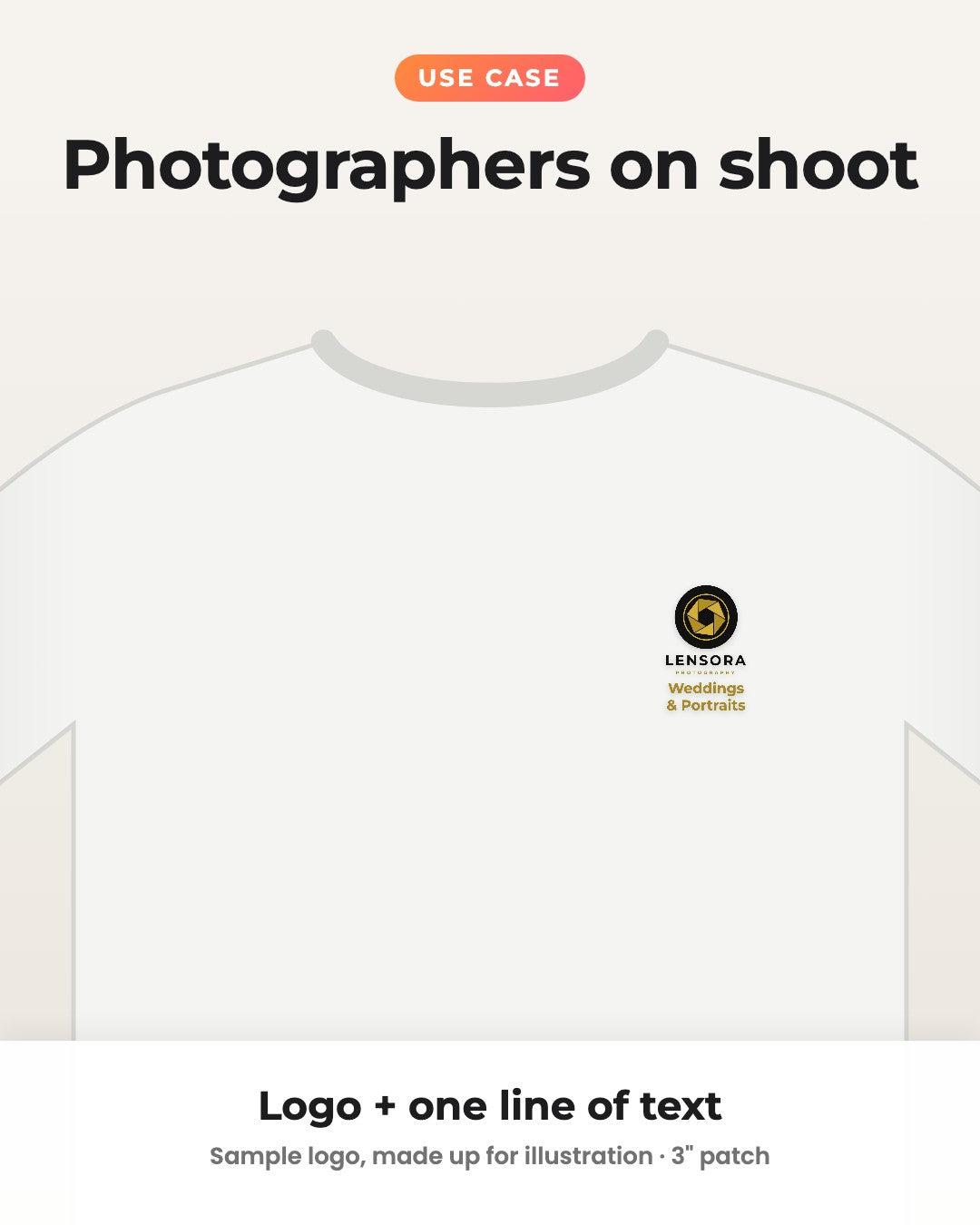
- Left chest (classic staff uniform look): 3 to 4 inches
- Centre chest: 6 to 8 inches
- Back: 10 inches
- Caps and sleeves: 2 to 3 inches
The checkered preview shows the exact shape, and the line under it shows the width and height in inches.
Which file formats can I upload?
PNG, JPG, WEBP or SVG, up to 20MB.
A PNG with a transparent background gives the cleanest result. If your logo is a PDF, AI, CDR or PSD file, export it as a PNG first (any designer can do this in a minute).
A screenshot works too, but a proper logo file will always print sharper.
Tips for a clean transparent PNG
- Ask your designer for the logo as a "PNG with transparent background", at least 1500 px wide.
- Only have a JPG, or a logo on a white or coloured box? Tick Remove background on this page and move the strength slider until the checkered preview looks clean.
- If parts of your logo start disappearing, lower the strength. If the background colour still shows inside bigger enclosed areas, tick Also clear bigger enclosed areas.
- If your logo sits on a photo or a gradient, removal can be patchy. A transparent PNG is the better choice there.
Will there be any background?
Only what you see in the checkered preview is printed. Checkered areas are clear, so the fabric shows through.
If you keep your logo's background, it prints as a solid block behind the logo, exactly as the preview shows. Use the Preview on colours to check how it looks on your T-shirt colour.
What if my logo is low resolution?
We show a warning when your file is too small for the size you picked (below about 150 dpi). It will still print, just a little soft around the edges.
Uploading a bigger file or choosing a smaller size fixes it. SVG logos are always sharp at every size.
Can I add my business name or website?
Yes. Step 2 lets you add one line under your logo (up to 30 characters): your business name, a tagline, your website or Instagram handle.
Pick from 5 clean fonts and any text colour. Long text wraps neatly onto two lines. The size you choose covers the logo and the text together.
Can I use these for staff uniforms and team kits?
Yes. Cafes, salons, gyms, clinics, restaurants and startups use these to brand staff T-shirts, aprons, polos, caps and jackets, without minimum order quantities or screen-printing setup.
Order one patch per garment. Choose your quantity above, or use Add other sizes for, say, chest logos plus a few big back prints.
Bulk discounts apply automatically in your cart: 20+ pieces 10% off, 40+ pieces 20% off, 100+ pieces 30% off. Pieces add up across sizes and designs.
Can I order these for an event?
Yes. Team outings, marathons, college fests, corporate offsites and product launches: iron your logo onto plain T-shirts and the whole group matches.
Bulk discounts apply automatically in your cart: 20+ pieces 10% off, 40+ pieces 20% off, 100+ pieces 30% off. Pieces add up across sizes and designs.
What fabrics can I use them on?
Best results on cotton, cotton blends, denim, canvas, and most woven fabrics. Avoid leather, silk, polyester blends with heat sensitivity, or stretchy lycra/spandex.
How to apply?
- Remove wrinkles from the area where you want to transfer the patch
- Place the patch on the wrinkle free area
- Iron for 10-30 seconds on low-medium heat settings. Iron repeatedly if fabric is thick like denim.
- Let it cool to room temperature → Peel film slowly
- Put film back on the transferred patch → Iron again for 10 sec to lock the patch in the fabric
- Follow wash instructions
What temperature should I set my iron to?
Set to medium-high (around 160-170°C) or the “cotton” setting on most irons. No steam.
How long should I heat it?
Press for 10-30 seconds with firm pressure, then check edges. If needed, re-press for a few seconds.
Should I Iron directly on the design?
Nope - always use a thin cotton cloth or baking paper between the patch and the iron to protect the print.
Can I use a heat press instead of an iron?
Absolutely - set it to 160°C for 10-12 seconds with medium pressure.
How do I wash clothes with the print?
Turn inside out, use cold or mild wash, and avoid harsh detergents or bleach
Can I tumble dry clothes with the patch?
Not recommended. Air dry for longer life of the patch.
Will the patch peel off over time?
If applied properly, it should last 25-30 washes.
Ways to Customize (and beyond) ⬇️


More Ways to Customise
-
Customise Your Own Image
Iron-on PatchRegular price From Rs. 30.00Regular priceUnit price per -
Customise Your Own Image
Hard Surface PatchRegular price From Rs. 40.00Regular priceUnit price per -
Customise Your Own Text
Hard Surface PatchRegular price From Rs. 40.00Regular priceUnit price per -
Customise Your Own Text
Iron-on PatchRegular price From Rs. 25.00Regular priceUnit price per -
Customise Your Own YouTube / Instagram Handle
Hard Surface PatchRegular price From Rs. 40.00Regular priceUnit price per -
Your Name on Laptop
Hard Surface PatchRegular price From Rs. 40.00Regular priceUnit price per -
Customise Your Own QR Code
Hard Surface PatchRegular price From Rs. 40.00Regular priceUnit price per -
Customise Your Own YouTube / Instagram Handle
Iron-on PatchRegular price From Rs. 30.00Regular priceUnit price per -
Customise Your Own QR Code
Iron-on PatchRegular price From Rs. 30.00Regular priceUnit price per -
Your Photo as a Charcoal Sketch
Hard Surface PatchRegular price From Rs. 45.00Regular priceUnit price per


